Kafka Integration
Integrate Entropy Data APIs with Kafka.
What the integration covers today:
- Topics as output ports. A Kafka topic is described in a data contract (schema as Avro, JSON Schema, or Protobuf, plus terms of use) on an output port of type
kafka, and consumers request access to it like to a table. Topic ACLs are provisioned by your own provisioning component or recorded manually. - Events out. Every event of Entropy Data can be forwarded to a Kafka topic with the HTTP Source Connector described below.
- Existing topics and schemas. Register topics as assets through the Assets API or your own connector and turn them into data products with Import from Kafka, or import contracts from schema registry exports with the Data Contract CLI.
HTTP Source Connector for Confluent Cloud
The events endpoint can easily be integrated with the HTTP Source Connector for Confluent Cloud, an official managed Kafka connector, available on the Confluent Cloud. The connector forwards all Entropy Data events to a defined Kafka topic.
Use these events in Kafka to trigger further processes in your data platform, such as granting permissions, provisioning resources or notifications.
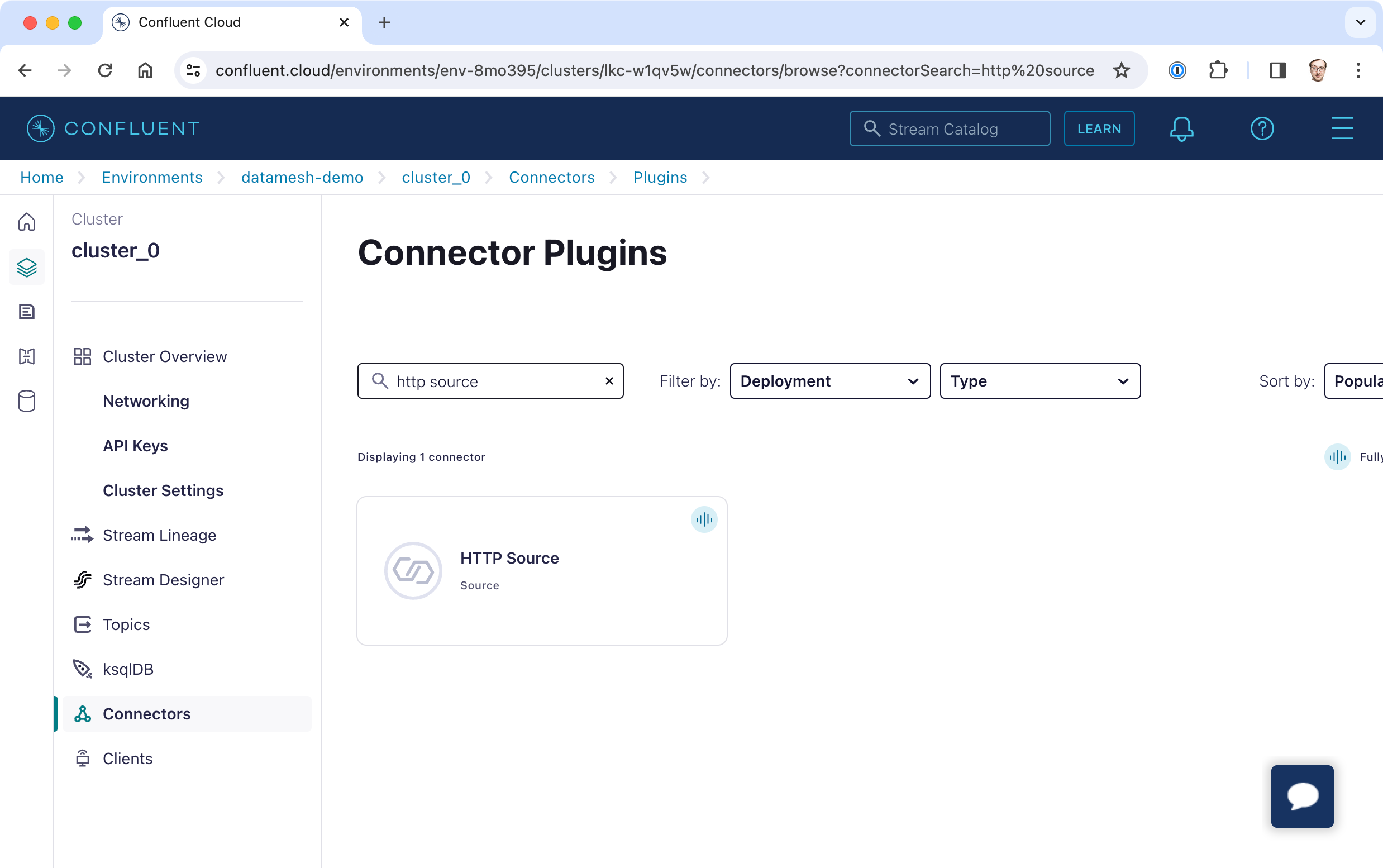
In Confluent search for the connector plugin HTTP Source:
Configuration
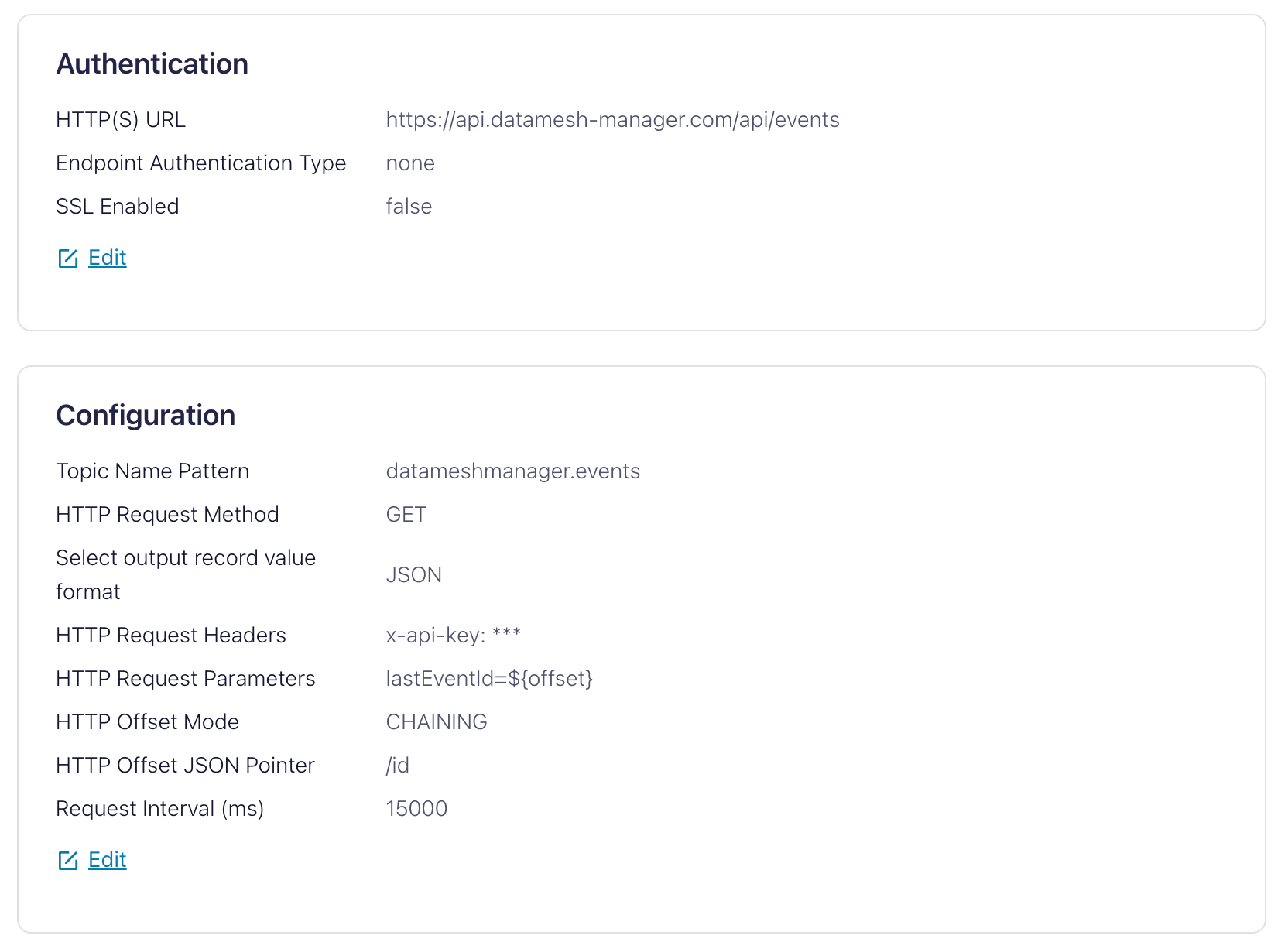
Configure the connector with these settings:
| Configuration | Value | Remarks |
|---|---|---|
| HTTP(S) URL | https://api.entropy-data.com/api/events | |
| Endpoint Authentication Type | none | |
| SSL Enabled | true | (no further keystore settings required) |
| Topic Name Pattern | datameshmanager.events | or any other topic name that matches your conventions |
| HTTP Request Method | GET | |
| Select output record value format | JSON | |
| HTTP Request Headers | x-api-key: your-secret-api-key | See details for API Key generation |
| HTTP Request Parameters | lastEventId=${offset} | |
| HTTP Request Body | (empty) | |
| HTTP Initial Offset | (empty) | |
| HTTP Offset Mode | CHAINING | |
| HTTP Response Data JSON Pointer | (empty) | |
| HTTP Offset JSON Pointer | /id | |
| Request Interval (ms) | 15000 |
The settings should now look like this: