
Access
An access is an agreement between a data product provider and a consumer to use one of the provider's output ports. It records who may use the data, for what purpose, and under which data contract terms.
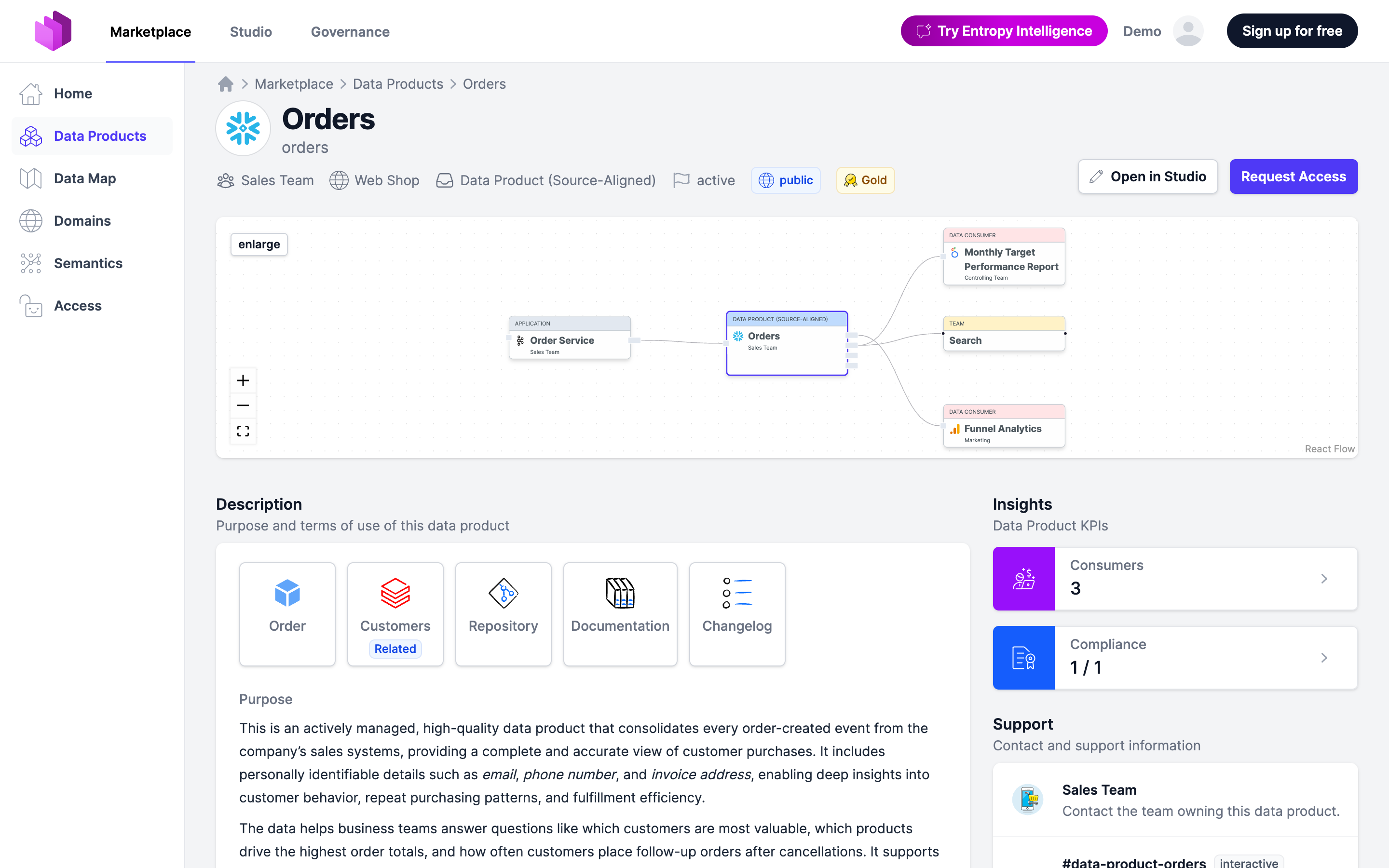
Provider and consumer
- The provider is a data product and one of its output ports — the data being shared.
- The consumer is who receives access: a user, a team, another data product (a data-product consumer creates lineage between products), or an agent.
An agent consumer is an agent identity owned by a team, and only the agent gets access, not the members of its team. In the API, its agreements carry consumer.agentId, and GET /api/access?consumerType=agent lists them. consumer.teamId and consumer.dataProductId are left out on purpose, so a provisioning integration that doesn't know agents grants nothing rather than granting the whole team.
Every access also carries a purpose — why the consumer needs the data — and, optionally, a start and end date.
Lifecycle
An access moves through a small lifecycle:
- Requested — a consumer asks for access (see Request Access).
- Approved or Rejected — the providing team decides, governed by the Access Approval Workflow. An output port can also auto-approve.
- Active — once approved and the start date has been reached, the access is active and the consumer should have the data.
- Canceled, then Deactivated — the access is ended and, at its end date, deactivated.
The active flag reflects whether the agreement is currently in force.
Ending, renewing, reassessing
- Termination. The consumer can terminate their own access at any time; it ends the same day. The provider can terminate as well; then the end date honors the notice period of the data contract's terms of use, so the consumer has time to react, and the consumer is notified.
- Expiry. An access with an end date is deactivated by a scheduled job once the date has passed. In Governance → Access and Studio → Consumers, a Show soon expiring filter lists accesses whose end date is within the next 30 days, so owners can renew or let them expire in time.
- Renewal. On an active access with an end date, Renew sets a new end date; nothing else changes.
- Reassessment. An access carries an optional next reassessment date (
nextReassessmentDatein the API), set on the edit form or through the API, as the agreed checkpoint for provider and consumer to reconfirm the access. It is shown on the access and returned by the API, so both parties, or a job of yours, can schedule the review.
Team-based accesses follow the team: a person who leaves the team, in Entropy Data or through SCIM, loses the access without any change to the access itself, because provisioning grants to the team's group.
From agreement to real access
Approving an access says the consumer should have the data — it does not, by itself, create the grant in the data platform. That is Provisioning: a component you run reacts to the access becoming active, creates the grant, and reports back whether it actually exists.
By default the approval is what the consumer sees as access. An organization whose grants are all reported back can instead let provisioning grant access: the access is then listed as Provisioning pending, and Open in stays hidden, until the grant has been reported as provisioned.
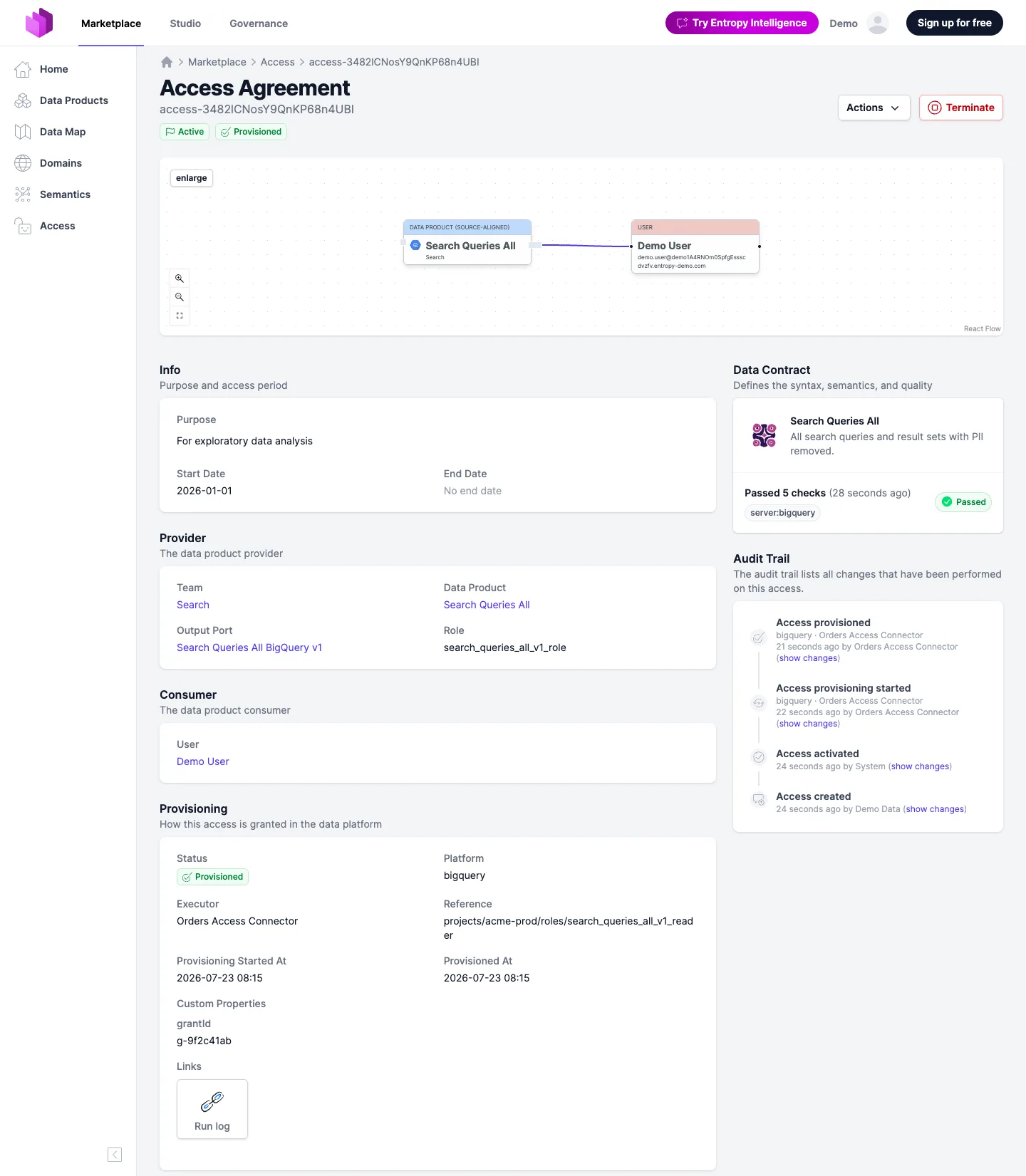
Managing access
- Request and approval happen in the web UI — see Request Access and the Access Approval Workflow.
- Programmatically, use the Access API to read access state, approve or reject externally, and report provisioning.