
Rich Text Formatting
Description fields in data products and data contracts support rich text formatting. The UI provides a rich text editor with a toolbar for convenient formatting.
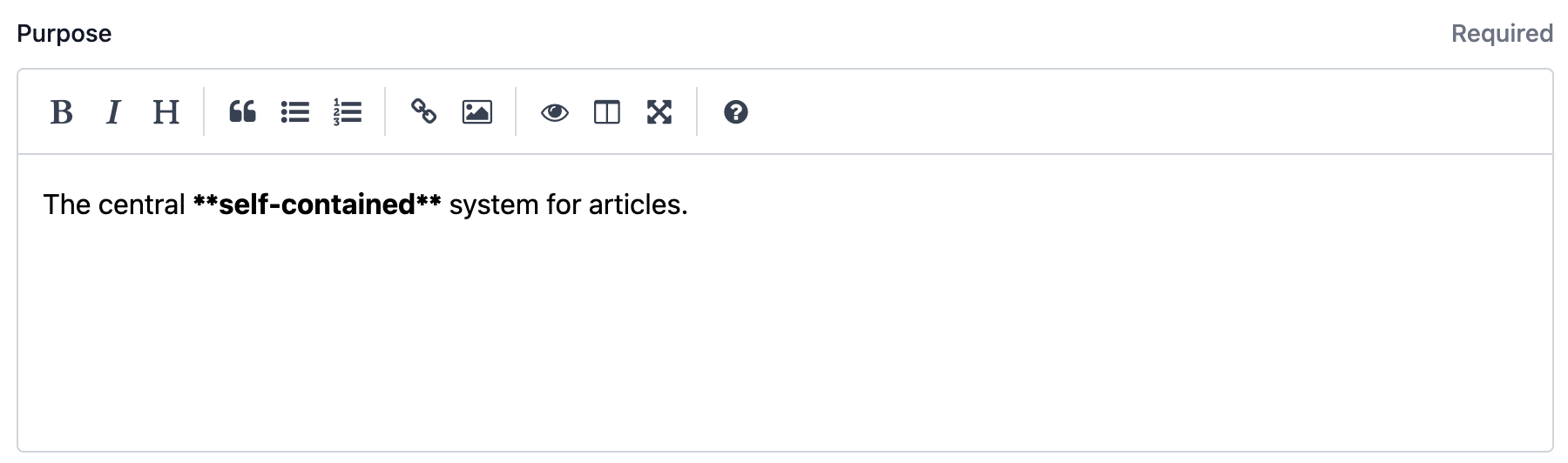
The editor supports both Markdown syntax and HTML tags. You can also use HTML tags or Markdown when updating descriptions via the API or the editor.
Supported HTML Tags
Text Formatting
<b>, <strong> - Bold text
<i>, <em> - Italic text
<u> - Underlined text
<strike> - Strikethrough text
<small> - Small text
<sub> - Subscript
<sup> - Superscript
<code> - Inline code
<span> - Generic inline container
Structure & Layout
<p> - Paragraph
<br> - Line break
<blockquote> - Block quotation (supports cite attribute with http/https URLs)
<pre> - Preformatted text
Lists
<ul> - Unordered list
<ol> - Ordered list
<li> - List item
<dl> - Definition list
<dt> - Definition term
<dd> - Definition description
Links & Citations
<a href=""> - Hyperlinks (supports ftp, http, https, mailto protocols; automatically includes rel="nofollow")
<cite> - Citation (supports cite attribute with http/https URLs)
<q> - Short inline quotation (supports cite attribute with http/https URLs)
Note: All other HTML tags and attributes will be removed for security reasons.