
Request Access to a Data Product
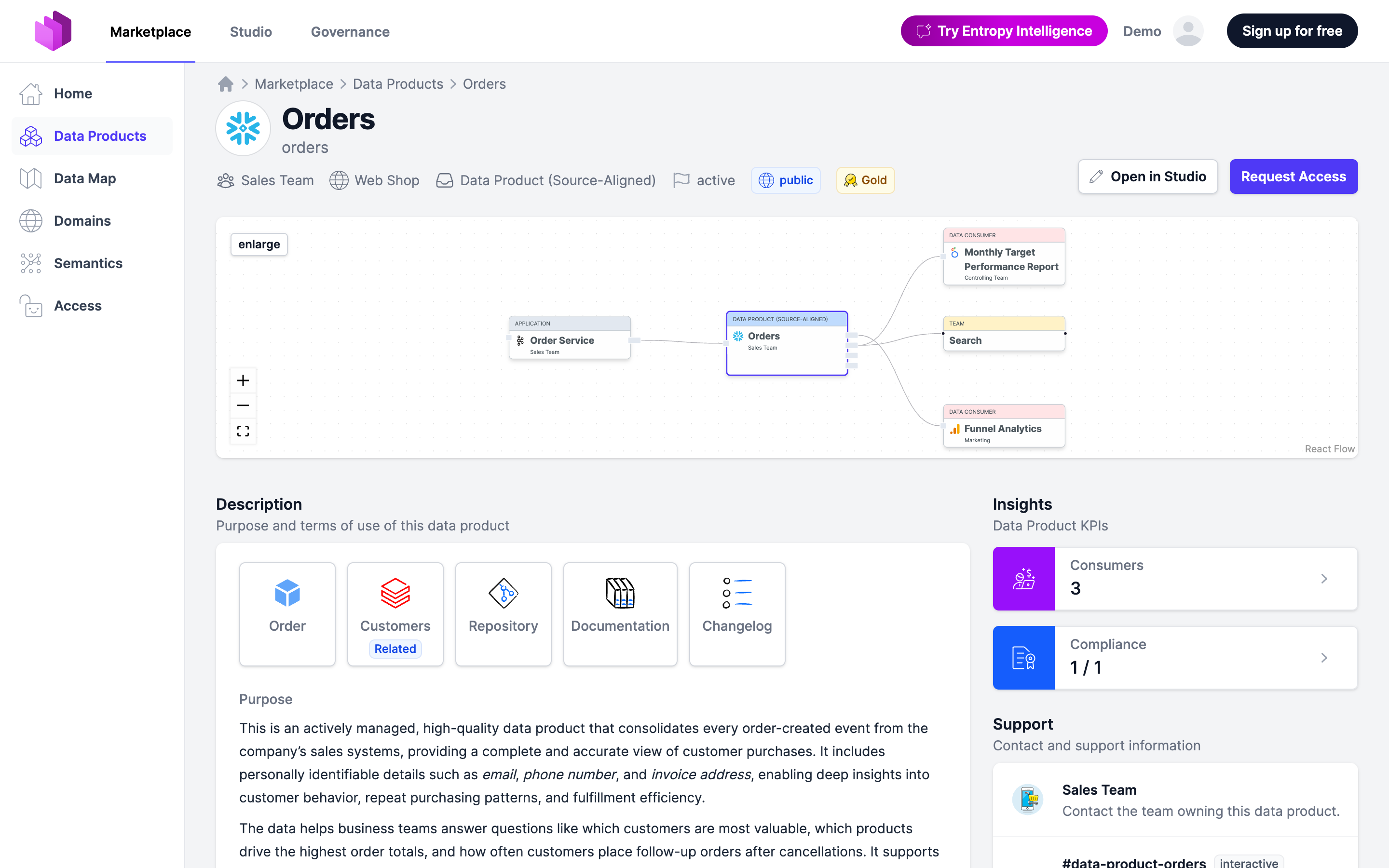
Found data you want to use? Request access from the Marketplace. Approval grants you access to the actual data in the data platform.
Before you start
- You are a member of the organization. If you want to consume data on behalf of a team, a data product, or an agent, you need a role that may request access (Owner, Editor, Approver, or Member, see Roles).
Steps
- In the Marketplace, search or browse for the data product you need.
- Open it and pick the output port that exposes the data you want (a data product may offer several — e.g. PII vs. non-PII, or different versions).
- On that output port, click Request Access. (An auto-approve port shows Get Access instead.) The product-level Request Access button is also fine — it just lets you tick several output ports first, then continues to the same form.
- Choose who the access is for under Consumer: User (yourself), Team (everyone in your team), Data Product (one of your data products, data consumers, or applications; this is what creates lineage between data products), or Agent (an active agent identity owned by a team where you may request access; only the agent gets access).
- Enter the purpose (required): why you need the data and what you'll do with it. Picking an agent fills an empty purpose with the agent's purpose. For a PII port, formulate it accordingly — the owning team sees this when approving.
- If a Roles list is shown, pick the access role you need (e.g. read in your region).
- Tick Agree to the Data Contract Terms of Use (required) — open the data contract from the link if you want to read them first.
- Click Request Access to submit.
Wait for approval
- If the output port has auto approve, access is granted immediately.
- Otherwise the owning team reviews and approves or rejects your request. You're notified of the decision. See Approval Workflow.
Once approved, access to the data is provisioned in the underlying platform according to the data contract's terms of use.