
Publish a Data Product to the Marketplace
Once your data product is real and ready, make it easy for consumers to find it and request access. This guide applies however you created it — manually, from an asset, or with an agent.
Checklist before you publish
A data product is consumer-ready when:
- It has at least one output port pointing at data that actually exists.
- Each output port is specified by a data contract with meaningful descriptions, semantics, and quality rules — not just the raw technical schema.
- The owning team is correct and reachable, so access requests reach the right people.
- The status is set to active.
Steps
-
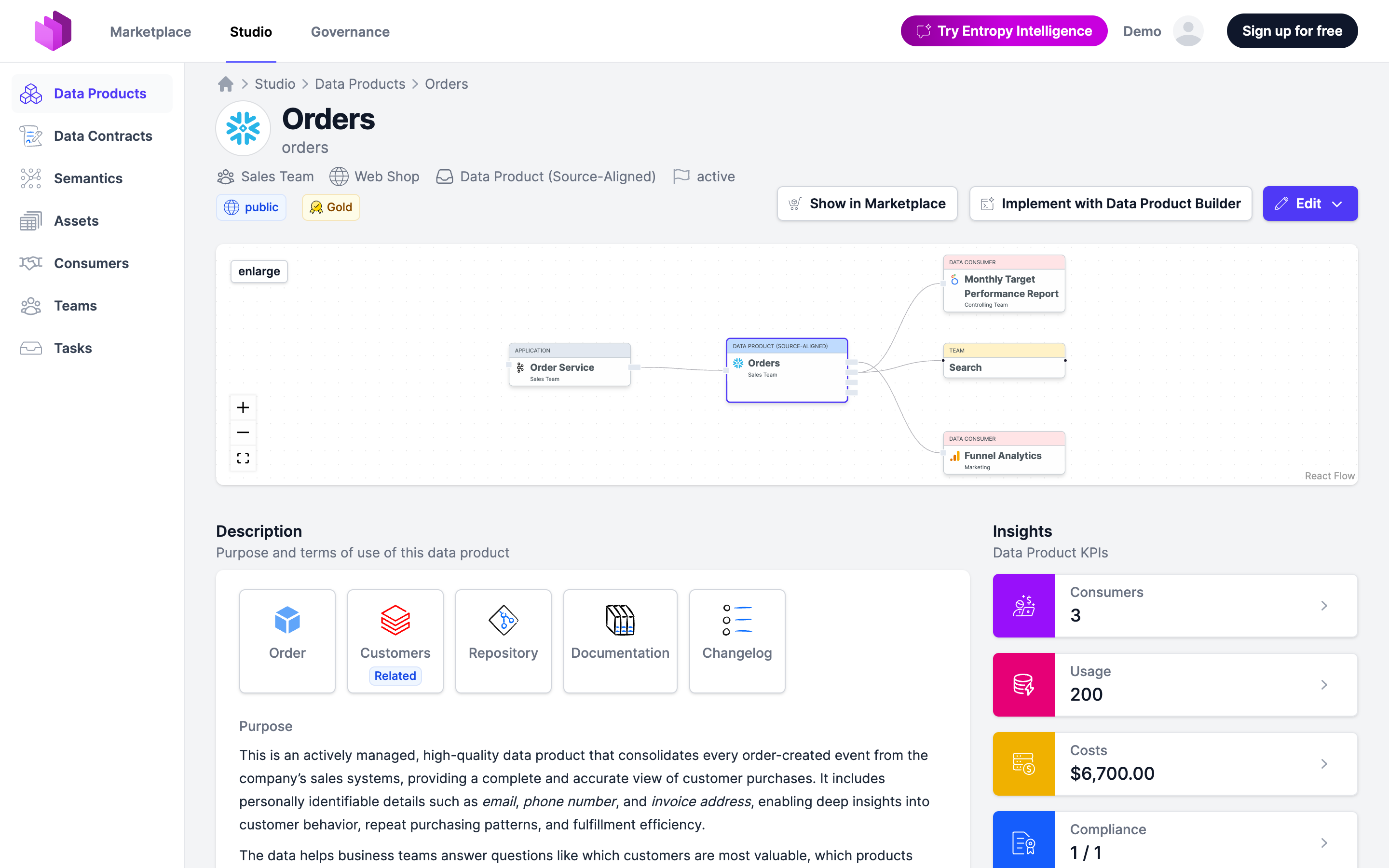
Open the data product in Studio and set its status to active.
-
Decide how consumers get access on each output port:
- Auto approve — uncritical data; requests are granted automatically.
- Approval required — confidential data; the owning team approves each request.
See Approval Workflow for the difference and for integrating an external approval system.
-
Confirm the data product appears in the Marketplace and that its description tells a consumer what the data is and how to use it.
Status is currently informational: it does not by itself hide or show a data product. Treat active plus a contracted output port as "published" — consumers rely on the status to know what they can trust.